
CRM vs Spreadsheet: When Does Your Business Need to Switch?
Is It Time to Move Your Customer Tracking From a Spreadsheet to a CRM? Consider moving from a spreadsheet to a customer relationship management (CRM) system when keeping customer work organised requires too much manual coordination. Recurring missed reminders, conflicting records...
- Nov 10, 2026
- 9 min read
By Asif Shaik
CRM vs Spreadsheet: When Does Your Business Need to Switch?
Is It Time to Move Your Customer Tracking From a Spreadsheet to a CRM?
Consider moving from a spreadsheet to a customer relationship management (CRM) system when keeping customer work organised requires too much manual coordination. Recurring missed reminders, conflicting records and unclear responsibility are signs to investigate.
Contact count and team size alone do not determine whether you need a CRM. The decision depends on how your business handles enquiries, quotations and customer relationships—and whether the current arrangement remains dependable.
Start by identifying what your team finds difficult, then assess whether a better spreadsheet, connected tools or a CRM would address it.
CRM vs Spreadsheet: What Is the Difference?
A spreadsheet stores information in rows and columns that you organise yourself. You choose the fields, define what each row represents and decide how employees should update it.
A CRM provides a structure for managing customers and related work. Depending on the product, it can connect contacts, companies, purchase requests, tasks and communication history.
The practical difference is how much of that structure your team needs to build and maintain. A spreadsheet offers flexibility, while a CRM provides established ways to organise customer activity within the product’s capabilities.
Both require accurate information, clear rules and consistent updates.
Who Can Keep Using a Spreadsheet?
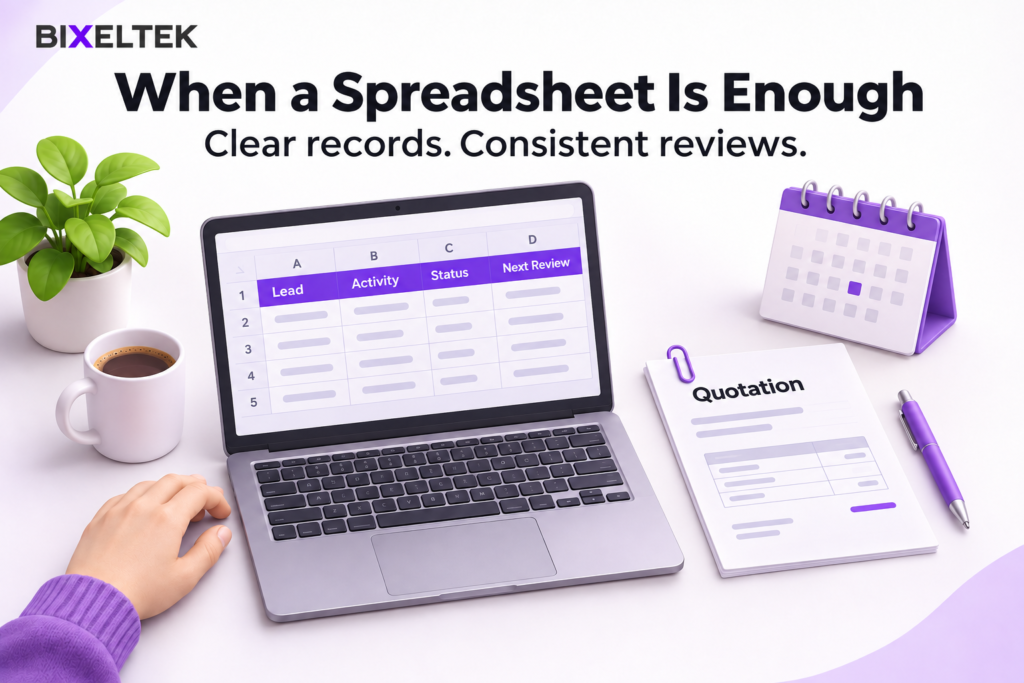
A spreadsheet can suit an owner or team with a straightforward process and manageable administrative work.
It remains a practical choice when:
- Information is easy to maintain. Employees can update records during their normal work without repeatedly copying details between files.
- Supporting documents are easy to find. Quotations and correspondence are linked or stored consistently.
- The review routine works. Outstanding requests are checked often enough to catch delays.
- The structure is understandable. Someone covering an absence can use the tracker without extensive explanation.
Shared spreadsheets can support collaboration, version history and configured notifications. Several employees using the same file is not, by itself, a reason to replace it.
Before buying software, correct basic weaknesses such as inconsistent statuses, unclear column labels or unsuitable sharing permissions. These changes may be enough to make the existing setup work reliably.
When Should You Consider Switching to a CRM?
Consider a CRM when recurring problems remain difficult to control after improving the current process.
Review enquiries across a period long enough to cover a normal sales cycle, from initial request to decision. Include different enquiry sources, completed and unresolved requests, overdue work and staff handovers.
Compare the tracker with emails, quotations, calendar entries and submission records. A blank activity field does not prove that nobody contacted the customer.
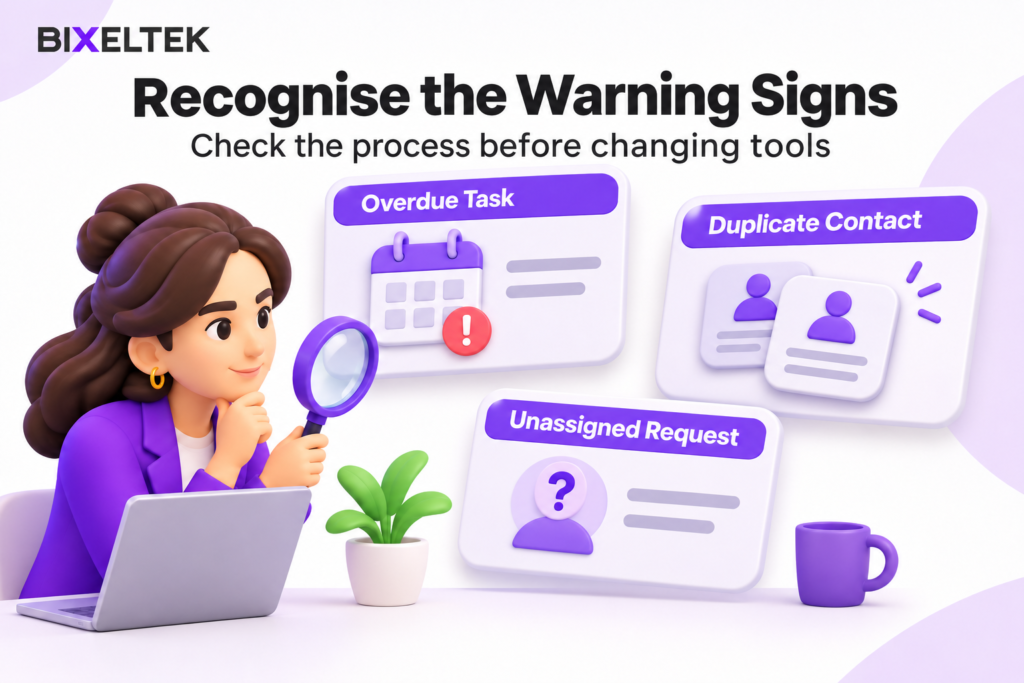
| Warning sign | What to check | What the finding may mean |
|---|---|---|
| Follow-ups regularly happen late | Agreed deadlines, reminders and communication history | Shared task management may help if reminders are scattered; workload problems need a separate response |
| Two employees handle the same request without coordinating | Assignments and recent correspondence | Responsibility is unclear or the current assignment is difficult to see |
| Duplicate entries contain conflicting details | Contact information, request details and submission identifiers | Manual entry or import matching needs correction; similar records may still represent separate requests |
| Customer conversations are difficult to reconstruct | Relevant messages, notes and quotations | The team needs a consistent place for history, potentially supported by communication integrations |
| Reports require repeated reconciliation | Status definitions, source records and preparation steps | Data standards need improvement, or reporting requirements exceed the current arrangement |
A CRM is worth evaluating when the evidence identifies a requirement that is difficult to manage in your spreadsheet.
Software will not resolve undefined responsibilities or an unmanageable workload on its own. Agree on those business rules before configuring a new system.
Where Does a CRM Fit in Your Enquiry Process?
A CRM can connect enquiry sources with the systems used for billing, booking or project delivery. Its role depends on your workflow and available integrations.
A request may arrive through a website form, email or telephone call. It then needs to be recorded, assessed and progressed. After the customer agrees, relevant information may pass to accounting, booking or project management software.
Decide which system is responsible for each step. A CRM may track a quotation without replacing the software that issues invoices or schedules delivery.
Also check whether information reaches the tracker at all. If a website retains a submission but the tracker never receives it, investigate the transfer. If the submission is not retained or delivered, investigate the form-processing issue.
Bixeltek’s CRM and workflow automation services are relevant when existing tools need to exchange information or trigger defined actions. Problems within the website’s submission handling may instead require website and systems development.
Which CRM Features Can Benefit Your Team?
Choose features according to the work they support. Availability and limits vary by product and plan.
| Feature | What it does | Practical benefit | What to verify |
|---|---|---|---|
| Linked records | Connects customers with their separate requests | Keeps distinct pieces of work organised without repeatedly copying customer details | Whether the system can link customers, requests and related work as needed |
| Tasks and reminders | Attaches actions and deadlines to records | Helps employees see work that needs attention | Notification settings, overdue views and reassignment behaviour |
| Communication history | Stores notes and supported correspondence against records | Makes customer context easier to find | Which channels are connected and what still requires manual entry |
| Workflow rules | Performs configured actions when conditions are met | Reduces repetitive updates or routing | Triggers, exceptions and behaviour when an action fails |
| Permissions | Controls what different users can access or change | Supports appropriate access to customer information | The controls available in the selected plan |
| Reports and saved views | Organises recorded information for review | Makes recurring questions easier to answer | Whether fields and stage definitions produce meaningful results |
These benefits depend on a suitable setup and regular use. Test the features your employees need rather than judging a system by the length of its feature list.
Why Compare Maintenance Effort Before Deciding?
The subscription is only part of the decision. Compare both options over the same period, such as the next 12 months.
For the spreadsheet, include time spent entering information, maintaining formulas, reconciling copies, preparing reports and supporting scripts or connections.
For the CRM, account for:
- Subscription costs: The users, features and usage levels your business requires.
- Initial setup: Data preparation, field configuration and integration work.
- Training: Time employees need to learn the workflow.
- Ongoing administration: Maintaining users, settings, connections and support.
- Future migration: Work needed to export information or move to another system.
Separate initial setup from recurring work. Use observed staff time where available and label estimates clearly, including assumptions about future costs and expected time savings.
A CRM may reduce copying while adding administration elsewhere. Assess whether the proposed arrangement supports the work more reliably at an acceptable total cost.
Avoid assigning sales revenue to every missed enquiry. A process failure does not establish that the customer would have purchased.
A Hypothetical Example: Does the Problem Require a CRM?
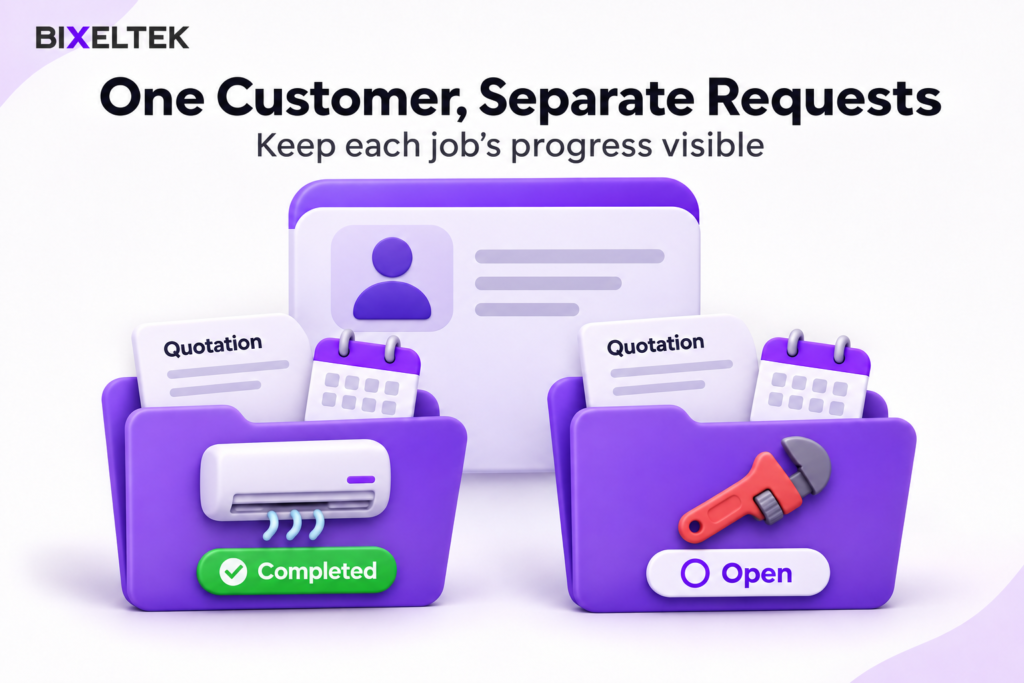
A maintenance company uses one spreadsheet row per customer.
What happens: An employee marks a customer’s work as completed, but another requested job remains unresolved.
What the manager checks: Two quotation emails show an air-conditioning service at one property and a plumbing repair at another. Both requests share one status cell.
Why it happened: The tracker represents the customer but does not separately represent each job.
What changes: The company creates separate request records linked to the same customer. It tests whether a revised spreadsheet handles this comfortably before evaluating a CRM.
How it is verified: Employees close one test request and confirm that the other remains open with its own location, quotation and deadline.
The immediate requirement is a better record structure. Whether that requires a CRM depends on how well the revised arrangement works.
This is a hypothetical example, not a Bixeltek client result.
How Can You Check Readiness and Test the Decision?

Before starting a pilot, confirm that:
- The process is defined: Employees agree on the stages and what moves a request forward.
- Essential information is identified: Required fields support an actual action or decision.
- Administration has an owner: Someone will maintain users, settings and connections.
- The proposed plan is suitable: Required integrations and permissions are available.
- Data can be taken out: Export testing covers necessary records, activities and relationships.
- Success can be observed: The team has specific requirements against which to judge the pilot.
Choose one enquiry route or workflow. Preserve a backup, clean the relevant records and test a limited import before moving more information.
Check field mapping, dates, record counts and links between records. Use one agreed system for recording pilot updates so employees do not maintain conflicting versions.
Ask the people doing the work to complete ordinary tasks on their usual devices. Record difficulties and administrative effort, then compare the findings with the agreed requirements before expanding.
If you have identified a limitation but are unsure whether it calls for a better spreadsheet, connected tools or a CRM, Bixeltek can review the workflow and help define the requirements.