
Online Booking vs Enquiry Form: Which Fits Your Business?
Should Customers Book Online or Send You an Enquiry? Use online booking when customers can choose a suitable appointment and your business can reliably provide the staff, time and resources it requires. Use an enquiry form when your team needs to...
- Nov 9, 2026
- 8 min read
By Asif Shaik
Online Booking vs Enquiry Form: Which Fits Your Business?
Should Customers Book Online or Send You an Enquiry?
Use online booking when customers can choose a suitable appointment and your business can reliably provide the staff, time and resources it requires. Use an enquiry form when your team needs to understand the request before accepting the work or arranging an appointment.
Some businesses need both. A customer could book a routine inspection online, while a complex repair starts with an enquiry.
The right choice depends on what your business can commit to at that point. A booking calendar can remove scheduling messages, but it still needs rules that reflect how your team works.
Online Booking vs Enquiry Form: What Is the Difference?
Online booking lets customers select an appointment from available times. An enquiry form collects information so your team can review the request and decide what happens next.
Both can include questions. The main difference is whether submission reserves an appointment or starts a conversation.
| Decision point | Online booking | Enquiry form |
|---|---|---|
| What the customer receives | A confirmed appointment when booking is immediate; a pending appointment request when approval is required | Confirmation that their message was received |
| Information needed | Enough to choose the correct appointment and check eligibility | Enough for your team to assess and route the request |
| Best suited to | Defined appointments with reasonably predictable requirements | Work involving uncertain scope, estimates or specialist review |
| Staff responsibility | Maintain accurate availability and deliver the appointment | Review the request and agree the next step |
| Main benefit | Customers can schedule without exchanging possible times | Your team can understand the work before committing |
| Main risk | Unsuitable appointments or availability that overlooks practical constraints | Requests waiting without a clear owner or response |
If a customer selects a preferred date but your team must approve it, label the action “Request an appointment”. Explain that the date remains unconfirmed until approval.
When Online Booking Fits Your Service
Online booking works well when customers understand the appointment and your team can define what delivering it requires.
Examples include a product demonstration, a routine maintenance appointment or an initial consultation with a clear purpose and duration.
Before offering direct booking, establish:
- What is included: Describe the appointment, its duration, location and any charge.
- Who can book: Explain relevant eligibility, service-area or existing-customer requirements.
- Who will deliver it: Show availability for people with the appropriate skills.
- What else is needed: Account for rooms, equipment, preparation and travel where relevant.
This gives customers a way to choose a time without waiting for someone to reply with availability.
A bookable appointment does not have to cover the entire service. You can offer a defined assessment before deciding what further work is needed. Explain that booking the assessment does not confirm the later work, its price or its completion date.
Check Staff Capacity Beyond an Empty Calendar

A free calendar slot does not necessarily mean your business can accept another appointment.
Check which calendars the booking system uses to detect conflicts. Make sure staff working hours, leave, phone bookings and appointments entered by employees are reflected in availability.
Then review the rules that protect delivery time:
- Buffer time: Leaves space for preparation, travel or cleanup.
- Minimum notice: Prevents bookings too close to their start time.
- Daily appointment limits: Protect time for delivery and other responsibilities.
- Staff and resource availability: Prevents bookings that require unavailable people, rooms or equipment.
Test gaps between appointments and the last appointment of the day. Scheduling tools handle buffers differently, so confirm that your configuration protects the time your team actually needs.
If the system cannot reliably account for these constraints, use an appointment request that staff review before confirming.
When an Enquiry Form Is the Better Starting Point

An enquiry form is useful when someone needs to assess the request before your business can commit.
This may include custom installation, a website project, an unfamiliar repair or work whose requirements depend on the location.
The form should help your team answer two questions: Can we handle this request, and what should happen next?
A service business may need a postcode to check coverage. A project team may need a short description and intended timing to decide who should review the work.
This is qualification: checking the request against the business’s acceptance criteria. Those criteria might include service type, location, technical suitability or project requirements. Completing every field does not, by itself, make an inquiry suitable.
Ask Questions Your Team Will Use
Every required field should support a decision.
A service selection can route the request. A location can establish coverage. A short description can help your team decide whether an assessment is needed.
Ask about budget only when it meaningfully affects the next step. Allow customers to say they are unsure when they may not have enough information to answer.
Avoid requiring technical specifications that customers cannot reasonably provide before speaking to you.
The choice of questions and next steps should be part of your website and digital development, because it shapes both the customer experience and the information your team receives.
Give Each Enquiry a Clear Next Step
After submission, explain that the request has been received and provide a response timeframe your team can maintain.
Assign a responsible person or team, with cover for absence. An automatic acknowledgement confirms receipt; it does not replace a useful reply.
If the team repeatedly asks customers for the same missing detail, consider adding a clear question to the form. If a field rarely affects the response, review whether it needs to be required.
Offer Both When Customers Need Different Routes
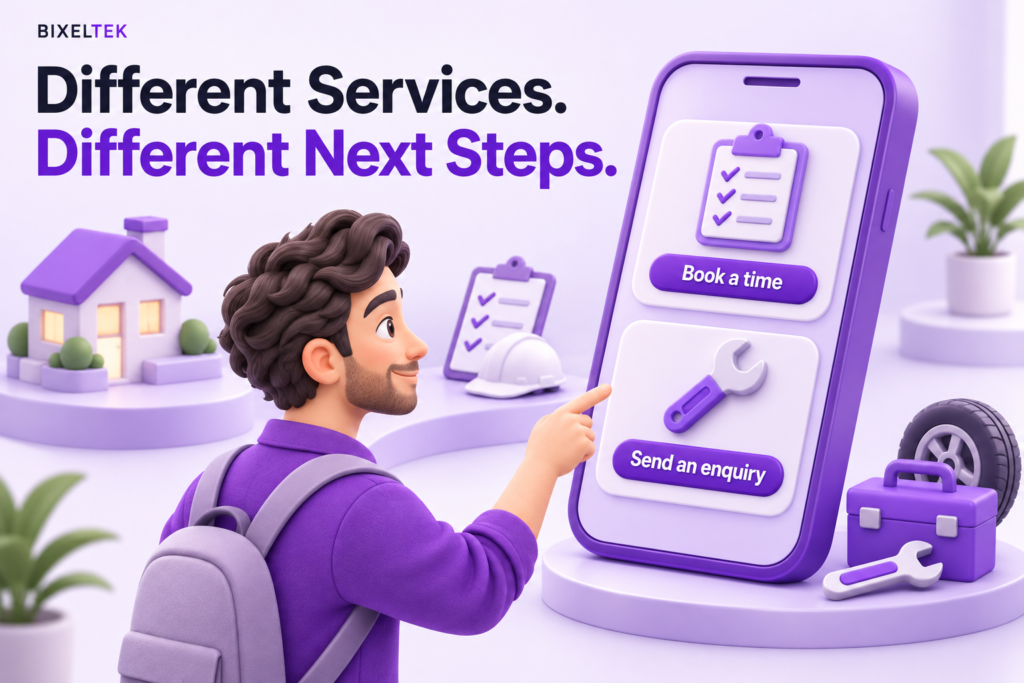
You do not need one contact method for the entire website.
Separate routes can serve different needs:
- Book a routine service for a defined appointment.
- Request a project estimate for work that needs review.
- Ask about an unfamiliar problem when the customer cannot confidently choose a service.
Place the appropriate action on the relevant service page. If two options appear together, explain who should use each one.
You can also ask a few screening questions before showing available appointments. For example, customers within your service area might proceed to booking, while an unusual request goes to a person for review.
Keep the rules understandable. When the system cannot determine suitability, let customers explain their situation rather than ending the process.
Hypothetical Example: Routine Inspections and Complex Repairs
Suppose a maintenance company offers a defined equipment inspection and also handles repairs whose duration depends on the fault.
Observed symptom: Staff regularly move appointments booked through the website.
Evidence checked: The team compares the website’s service description, submitted requests, appointment lengths and recorded reasons for rescheduling.
Issue identified: Customers are selecting a slot described as a “repair appointment”, although the business can only commit to inspecting the equipment before deciding what the repair involves.
Correction: The website offers a clearly described inspection appointment. Requests outside that inspection’s scope go through an enquiry form for review.
Verification: Test a routine inspection request, a complex fault and a request outside the service area. Check that each follows the intended route and that its confirmation describes the commitment accurately.
These tests would verify routing and wording under the tested conditions. Establishing whether rescheduling decreased would require reviewing subsequent appointment records.
Make Booking and Enquiry Forms Accessible

Neither a simple form nor an embedded booking calendar is automatically accessible.
Check whether customers can:
- Identify fields through clear, properly associated labels.
- Understand which information is required.
- Complete the process using a keyboard.
- Read instructions and errors without relying on colour alone.
- Use the page on a phone and at increased zoom.
- Understand the completion message, including when using a screen reader.
For booking, test date selection, time selection and movement between steps. For enquiry forms, explain how to correct errors and retain valid information where possible.
These checks help identify problems, but they do not constitute a complete accessibility assessment.
Provide Another Way to Contact Your Team
Display a monitored phone number or email address for customers who cannot complete the online process. State contact hours where relevant.
Keep this alternative easy to find beside the form or booking area.
A fallback helps customers reach you while accessibility problems are being addressed. The main online process should still be usable by the people who need it.
Test the Journey From Submission to Staff Action
Before launch, follow a clearly labelled test request from the website to the person responsible for acting on it.
For booking, confirm that the appointment reaches the correct schedule and blocks the required staff time and resources. Check that the customer receives the right date, time, location and preparation instructions.
Test cancellation and rescheduling too. Confirm that the old slot becomes available when appropriate and that staff receive the updated details.
For enquiries, check the stored submission as well as the notification email, so a missed email does not make the request difficult to recover. Verify that the assigned employee can access the details and take the next action.
Where customer and appointment details need to pass between your website, calendar and customer relationship management system, Bixeltek’s business automation and integrations can support the connections and handoffs involved.
Review Useful Outcomes, Not Just Submission Totals
Separate completed requests from button clicks. Then distinguish suitable enquiries, confirmed appointments and attended appointments in your business records.
Also review staff effort: how often does the team need to clarify a request, correct a booking or move an appointment?
A route that produces more submissions may still create more unsuitable requests or unnecessary administration. Use these findings to adjust the questions, availability rules or customer instructions.
Get Help Choosing Your Website’s Contact Process
If staff repeatedly review supposedly confirmed bookings, or customers wait for messages just to arrange a routine appointment, your website’s contact process may need adjusting.
Bixeltek can review the service requirements, customer questions and systems involved to help define what the website should collect and when it should confirm an appointment.